
You may already know what you need—psychological support, help with documents or a local support organisation—but not know where to look.
The BaltHUB contact directory brings together listings for services and organisations in Estonia, Latvia and Lithuania. You can search it directly, without first chatting with the digital assistant Lachin.
Here is how to get started on the website.
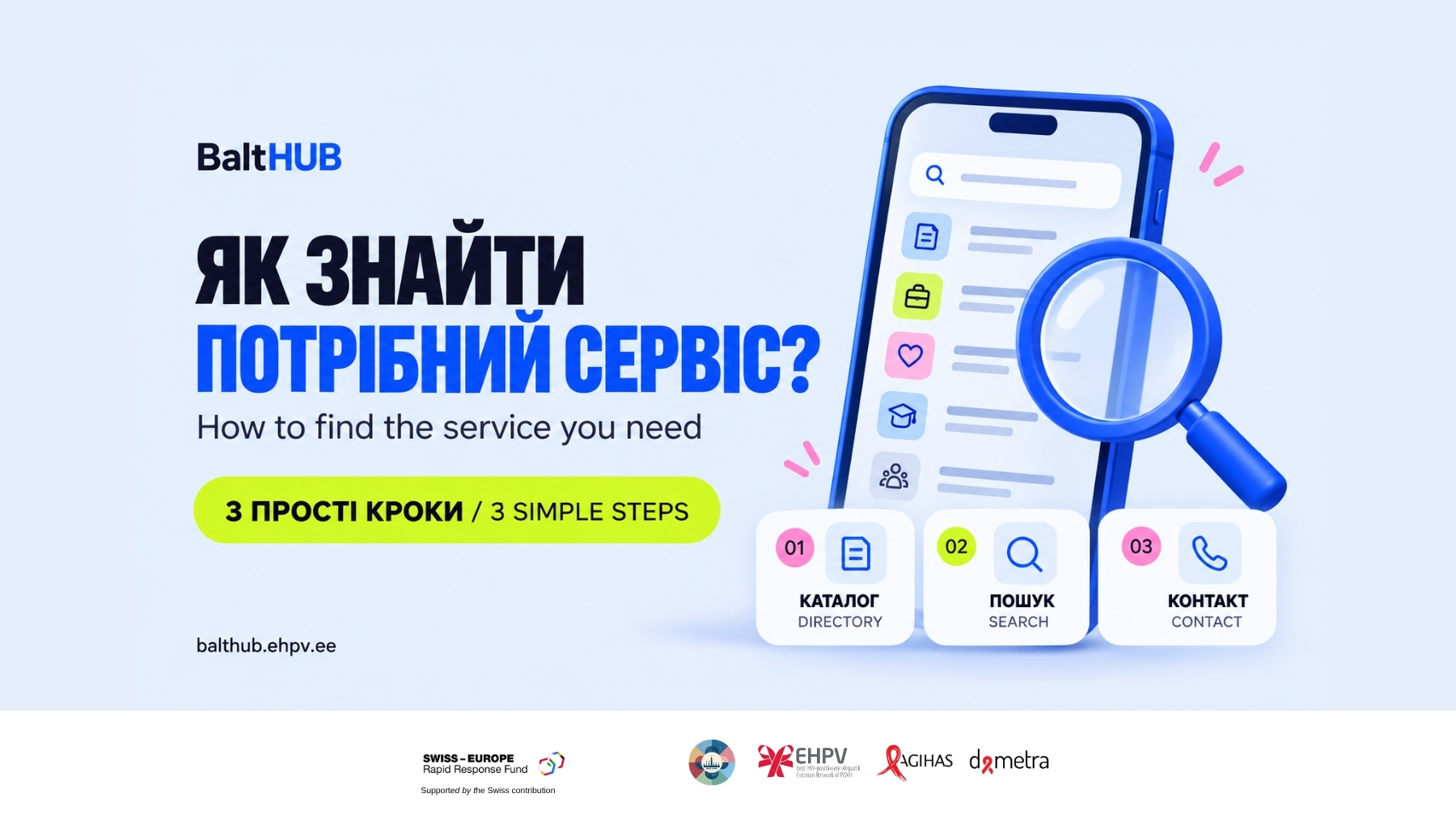
1. Open the directory and choose a country
Visit balthub.ehpv.ee, open the catalogue and select the country where you are looking for support.
For example, if you need a service in Estonia, start by choosing Estonia.
2. Search by city or service
Use the search field to enter your city or the type of support you are looking for.
You might search for psychological support, legal assistance or services in a particular city. Browse the results and read the descriptions to see which listings could be relevant to your situation.
If you do not find a suitable result, try a shorter or broader search term. A search with no results does not necessarily mean that support is unavailable.
3. Open a listing and find the contact details
Check the organisation’s service description and location. Then look for the contact details provided in its listing, such as a phone number, email address or website.
Contact the organisation directly to ask:
- Does this service cover my situation?
- Who is eligible, and is there a fee?
- Is support available in a language I speak?
- Do I need an appointment or any documents?
A directory listing helps you find where to ask. It does not guarantee an appointment or confirm that a service is currently available.
Do I need to speak with Lachin first?
No. The directory and the chat with Lachin are separate tools.
Lachin can offer explanations and support when you want to talk through a situation. If you already know what service you are looking for, you can go straight to the directory.
Prefer Telegram?
You can also access the contact directory through the BaltHUB Telegram bot. Follow the menu to choose a country, city and type of service.
The video accompanying this article demonstrates the website route, so you can follow one method from start to finish.
Try it with your own search
Open the directory, choose a country and search for a service relevant to you. Once you find a suitable organisation, get in touch to confirm the details.
Save the website or the video guide so you can return whenever you need it.